.NET Demo Application
A desktop app that shows how to drive ViveEngine from C#. It applies live audio effects to everything playing on your system — music, videos, games, calls — and lets you tweak them on the fly.
It's part of the ViveSound SDK, and it talks to the engine through the ViveSound.Sdk.Ctl C# client library.
Features
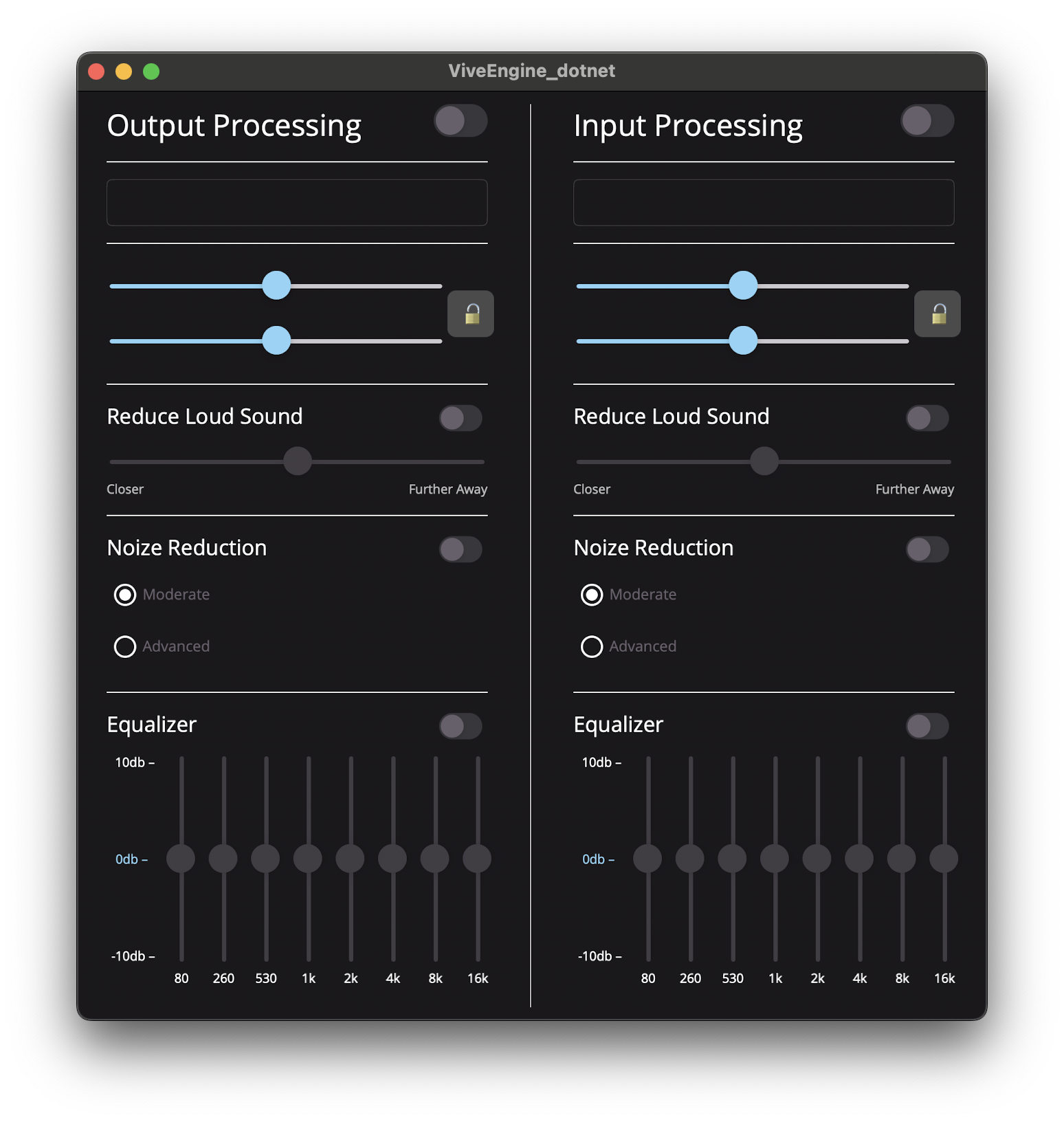
The app connects to a running engine and processes system audio in real time. From the UI you can:
- Pick input and output devices
- Turn processing on or off
- Adjust effects like noise reduction, an 8-band equalizer, volume boost, and a compressor
Changes take effect immediately, so you hear the result while any other app keeps playing.
What it demonstrates
- How to talk to the engine from a C# application over its gRPC API, using the
ViveSound.Sdk.Ctlclient library - Live, hands-on access to the engine's APIs — flip switches and move sliders to see how each call shapes the audio
It's a good starting point if you want to feel out what the engine can do before wiring it into your own app.
Learn more
- Browse the source on GitHub
- .NET client library (ViveSound.Sdk.Ctl) — reference for the library the demo uses
- Tutorial: Creating demo app in C# — build a similar app step by step